Zap TrackDrive with Applications You Already Use
Connect TrackDrive to over 1,000 web applications through Zapier's automation platform. Use TrackDrive triggers to send call and lead data to the tools your team already relies on, without writing any code.
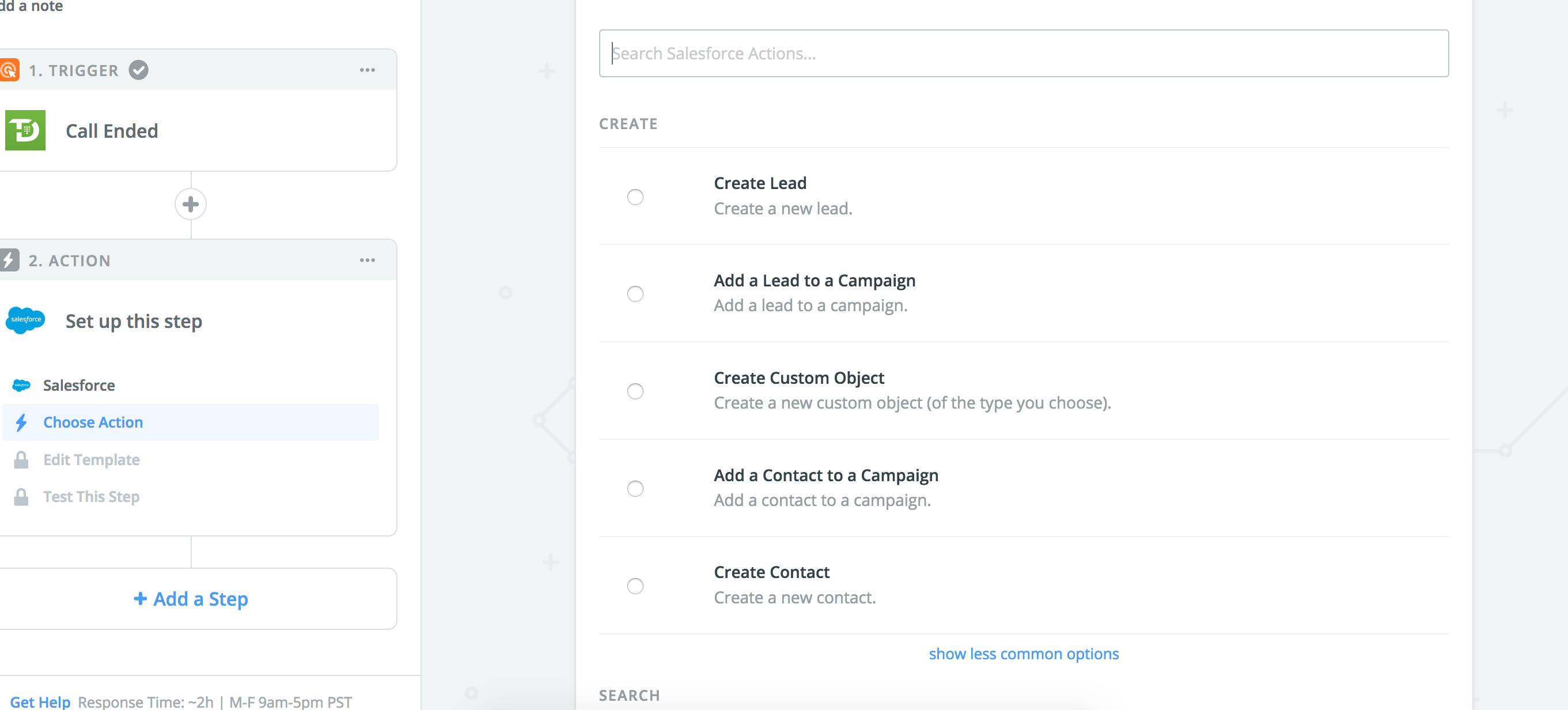
Available Triggers
Zapier can listen for events in TrackDrive and automatically start a workflow when they occur:
- New Call — fires when a new inbound or outbound call is recorded.
- Call Completed — fires when a call ends, including its duration, recording URL, and disposition.
- New Lead — fires when a new lead is created via form, API, or file upload.
Popular Use Cases
- Send new call data to a Google Sheet or CRM for reporting.
- Post a Slack notification whenever a high-value call is completed.
- Create TrackDrive leads automatically from Typeform, Gravity Forms, or landing page submissions.
- Sync call outcomes to your email marketing platform for follow-up sequences.
Getting Started
Setting up a Zap takes just a few minutes. Connect TrackDrive to Zapier, authenticate your account, and choose a TrackDrive trigger to start your workflow.
