With TrackDrive, you can submit leads that are associated with inbound and outbound callers.
Lead Management Overview
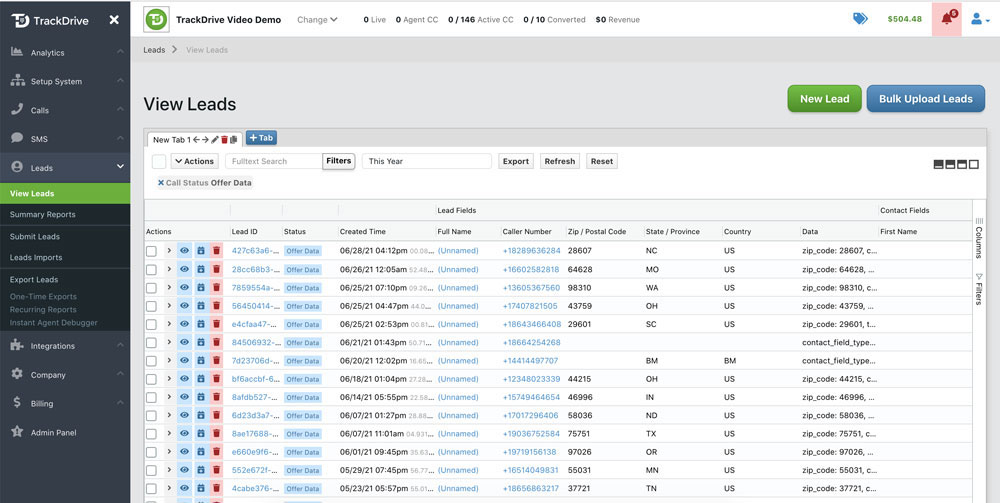
The leads dashboard provides a filterable list of all leads across your offers. For each lead you can see:
- Caller number, name, and contact field data
- Current lifecycle status (queue, scheduled, waiting to dial, completed, opt out, failure)
- Associated offer, traffic source, and schedule
- Created date, last contacted date, and next scheduled action
Lead Ingestion
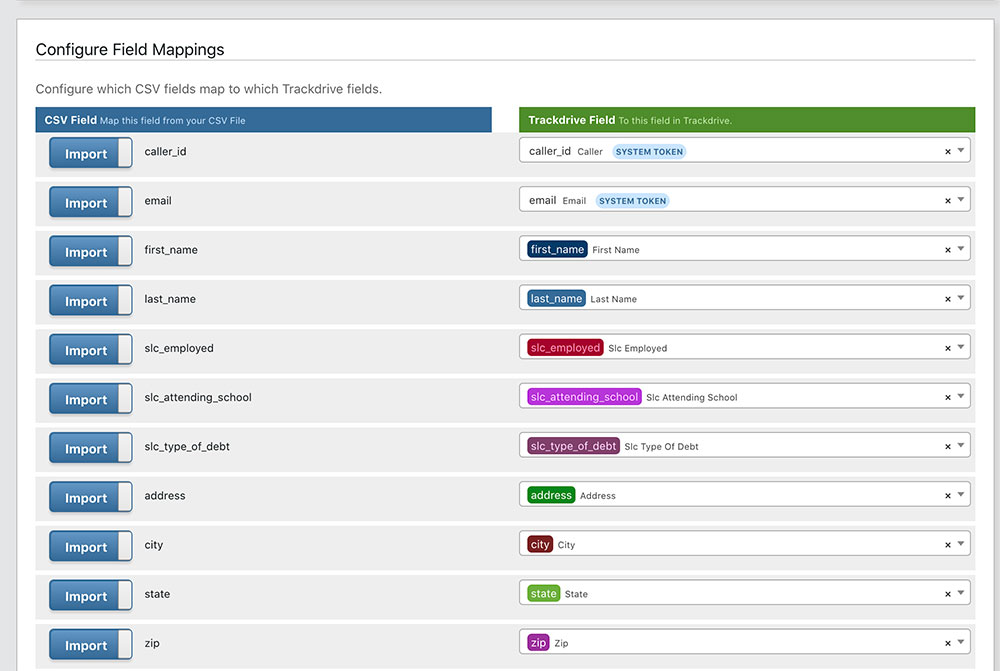
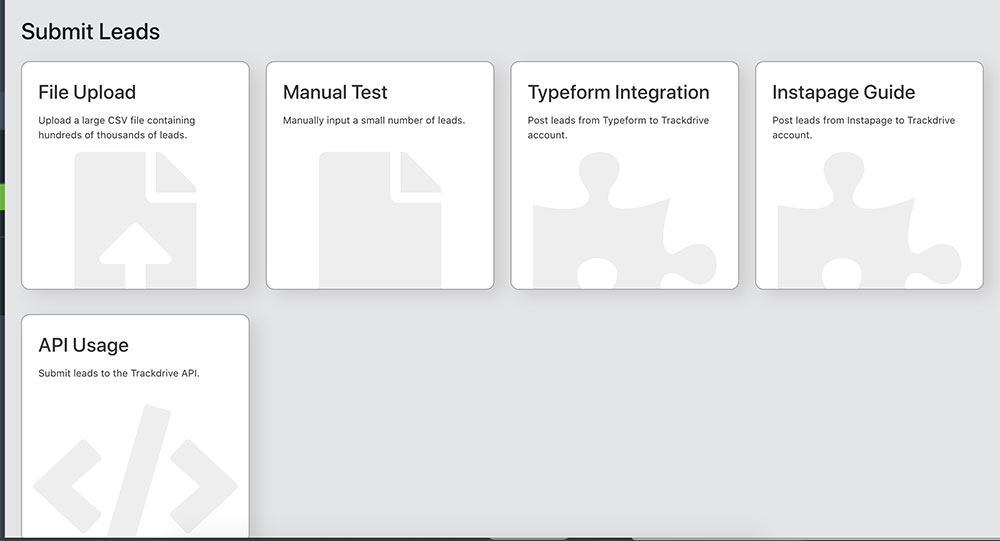
Leads can be submitted by file upload, TrackDrive's interface, integrations, or by API. CSV file uploads support configurable field mappings that map your data columns to TrackDrive contact fields, so you can import data in any format without manual transformation.
Lead Lifecycle
Every lead progresses through a defined set of states as it moves from submission to final disposition. This lifecycle gives you full visibility into where each lead stands at any moment.
| Status | Description |
|---|---|
queue |
Lead submitted, awaiting processing |
scheduled |
Assigned to a schedule, waiting for its turn |
waiting_to_dial |
Ready for the power dialer to pick up |
completed |
Successfully contacted |
opt_out |
Lead opted out (DNC, SMS opt-out) |
failure |
Contact attempt failed |
How Leads Enter the System
TrackDrive accepts leads from multiple sources, so you can integrate with any upstream system:
- Inbound call — a lead is auto-created when a call arrives on an offer
- API post — submit leads programmatically via the REST API with token data
- CSV import — upload CSV files with configurable field mappings
- Ping/Post webhook — leads created automatically on successful POST step
- Manual entry — create leads directly in the UI
Deduplication
TrackDrive uses real-time deduplication locking to prevent race conditions when the same lead is submitted concurrently from multiple sources. You can configure deduplication behavior per offer and per schedule:
- Reject Duplicate Leads — prevent duplicate leads from different traffic sources
- Configurable timeframe — set the dedup window from none up to 180 days
- Scope control — deduplicate at the schedule level or across the entire company
Lead Creation Settings
Each offer has granular controls over how leads are accepted and validated. These settings are configured under Offer > Optional Settings > Lead Creation & Retention:
| Setting | Description |
|---|---|
| Check Contact Field Acceptable Values | Reject leads that fail validation rules defined on contact fields |
| Require Traffic Source ID | Require a valid traffic_source_id on every submission |
| Reject Duplicate Leads | Block duplicates from different traffic sources |
| Only Accept Defined Contact Fields | Strip unrecognized data keys from incoming submissions |
| Minimum / Maximum Caller Number Digits | Enforce phone number length (default 11–12 for North America) |
| Contact Field Mapping | Auto-map incoming data keys to standardized format |
| Lead Expiration | Default 12 months; archived leads remain visible but excluded from routing |